Stardew Valley Character Guide
Role

User Interface Designer
Tools

Figma
Deliverables

Project Proposal

Prototype
Duration

2 months
.png)
User Interface Designer
Figma
Project Proposal
2 months
I was tasked to create an informational website/app prototype, aimed at teaching its users something new. With the knowledge of user interface design laws and principles, part of the task was to create a smooth and intuitive navigation experience for the users. Along with the smooth and intuitive navigation experience, I also had to present content in a way that is understandable and memorable for all users.
My goals for this project were to create an interface that provided users with a smooth and intuitive navigation experience, present content in a way that would be understandable and memorable for all users, and design an interface that would achieve all the laws and principles of user interface design that we learned over the course of the semester.
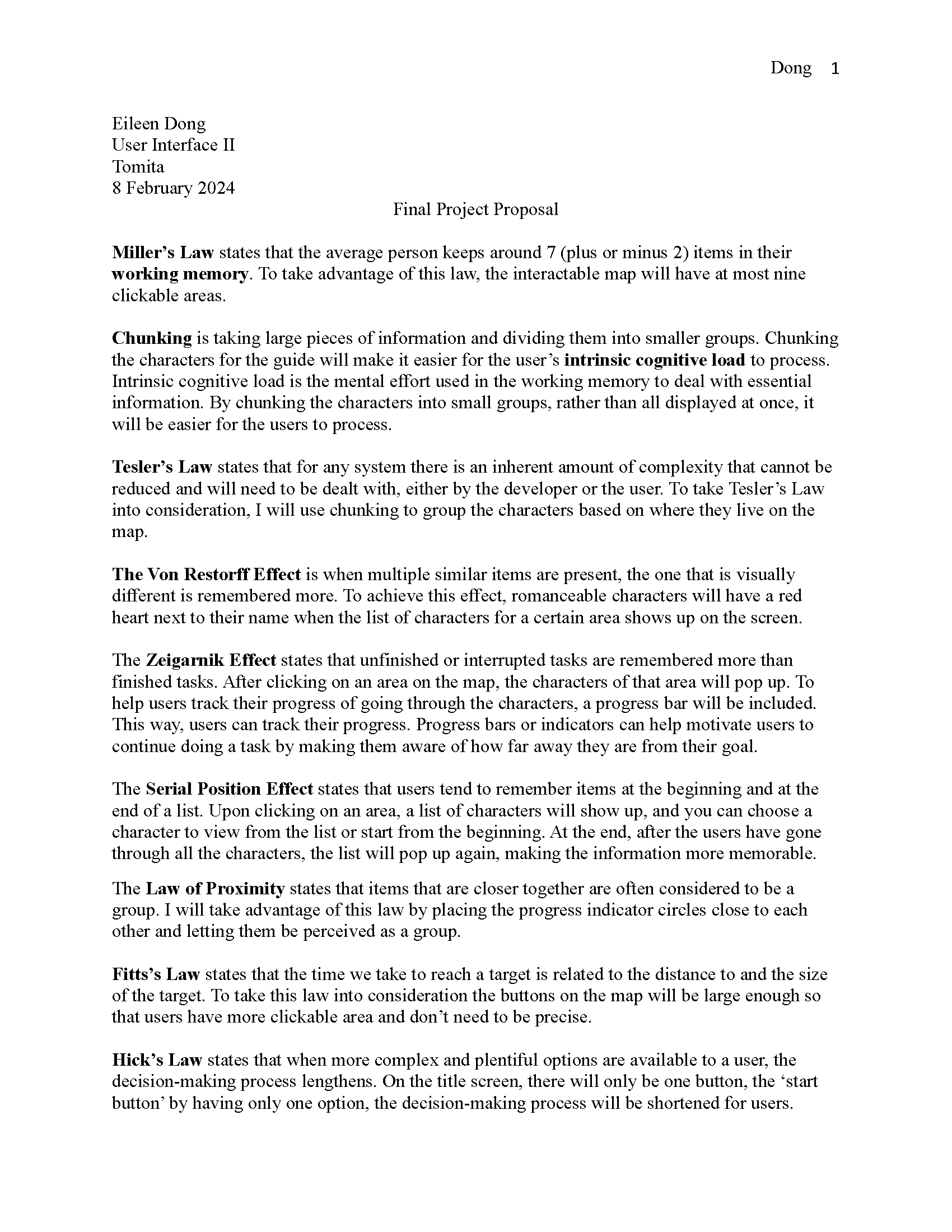
Before starting on my website/app prototype, I wrote up a project proposal that described how I would use each of the user interface laws and principles in my design. In this project proposal, I explained and considered how each of the UI principles would be used in my final design. For further detail about how I planned to use each UI principle, feel free to view my proposal down below.
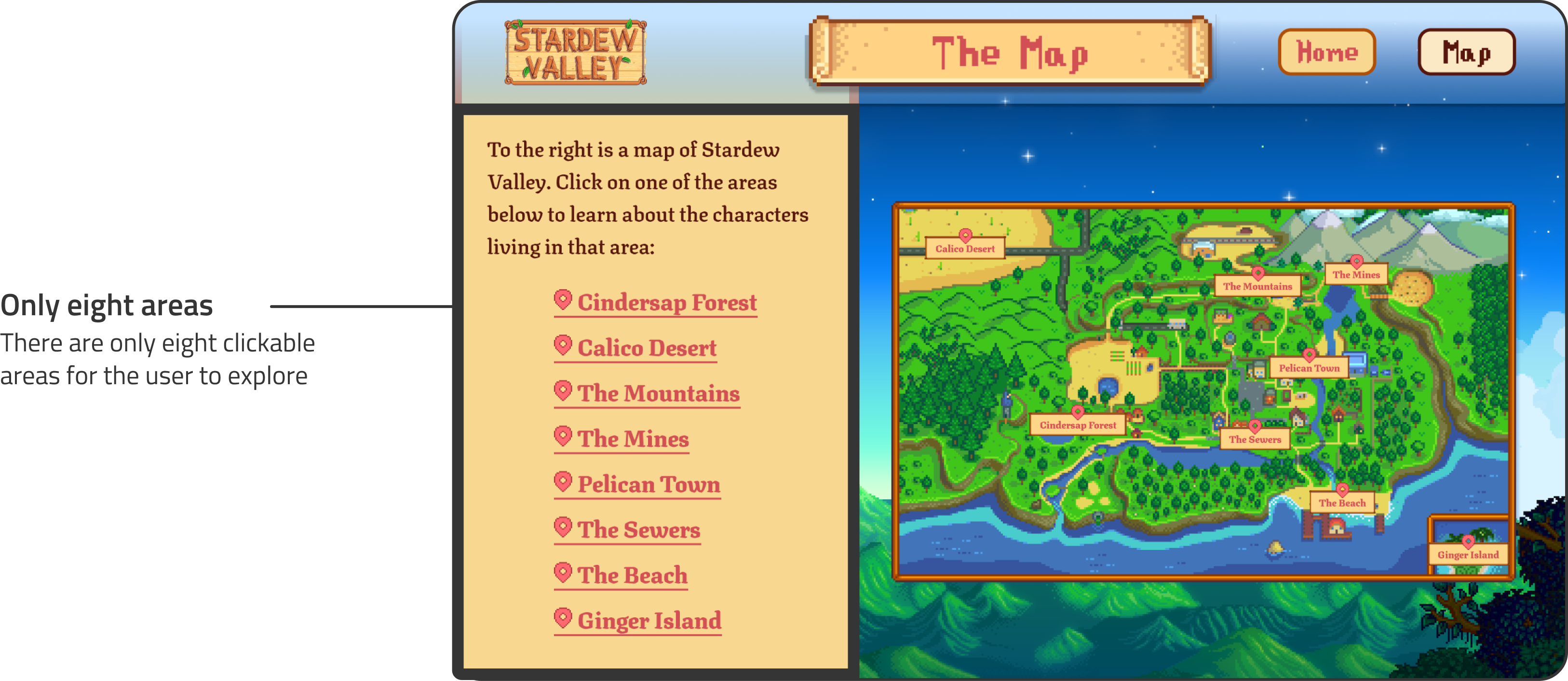
Miller’s Law states that the average person keeps around seven (plus or minus two) items in their working memory. To take advantage of Miller’s Law, I sorted the characters into eight areas, making the map having only eight clickable areas. Having only eight areas ensures that the users will keep this information in their working memory.
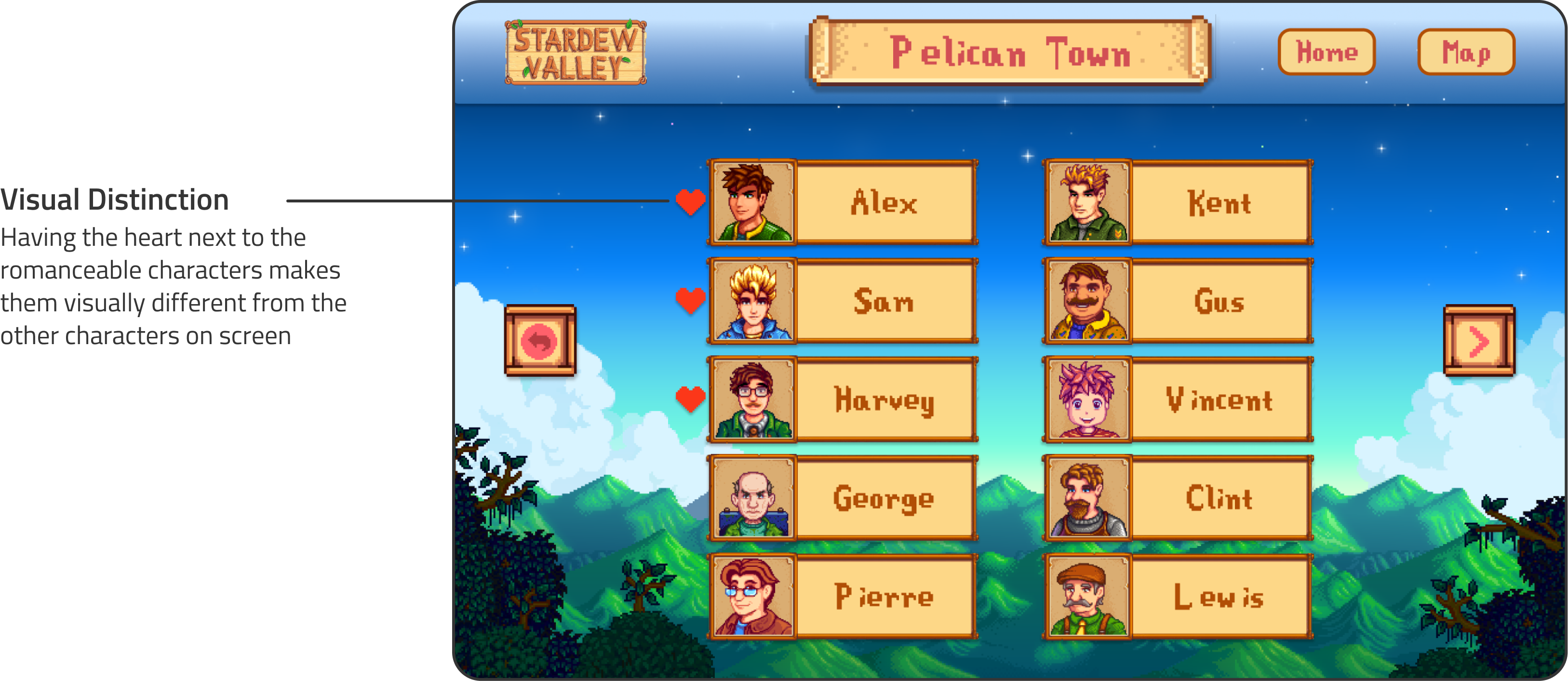
The Von Restorff Effect is when multiple similar items are present, the one that is visually different is remembered more. To achieve this effect, romanceable characters will have a red heart next to their name when the list of characters for a certain area shows up on the screen. By making the romanceable characters visually different from the others that show up on screen, this will guarantee that the users remember them more.
Chunking is taking large pieces of information and dividing them into smaller groups. Chunking the characters for the guide will make it easier for the user’s intrinsic cognitive load to process. Intrinsic cognitive load is the mental effort used in the working memory to deal with essential information. By chunking the characters into small groups rather than all displayed at once, it will be easier for the users to process.
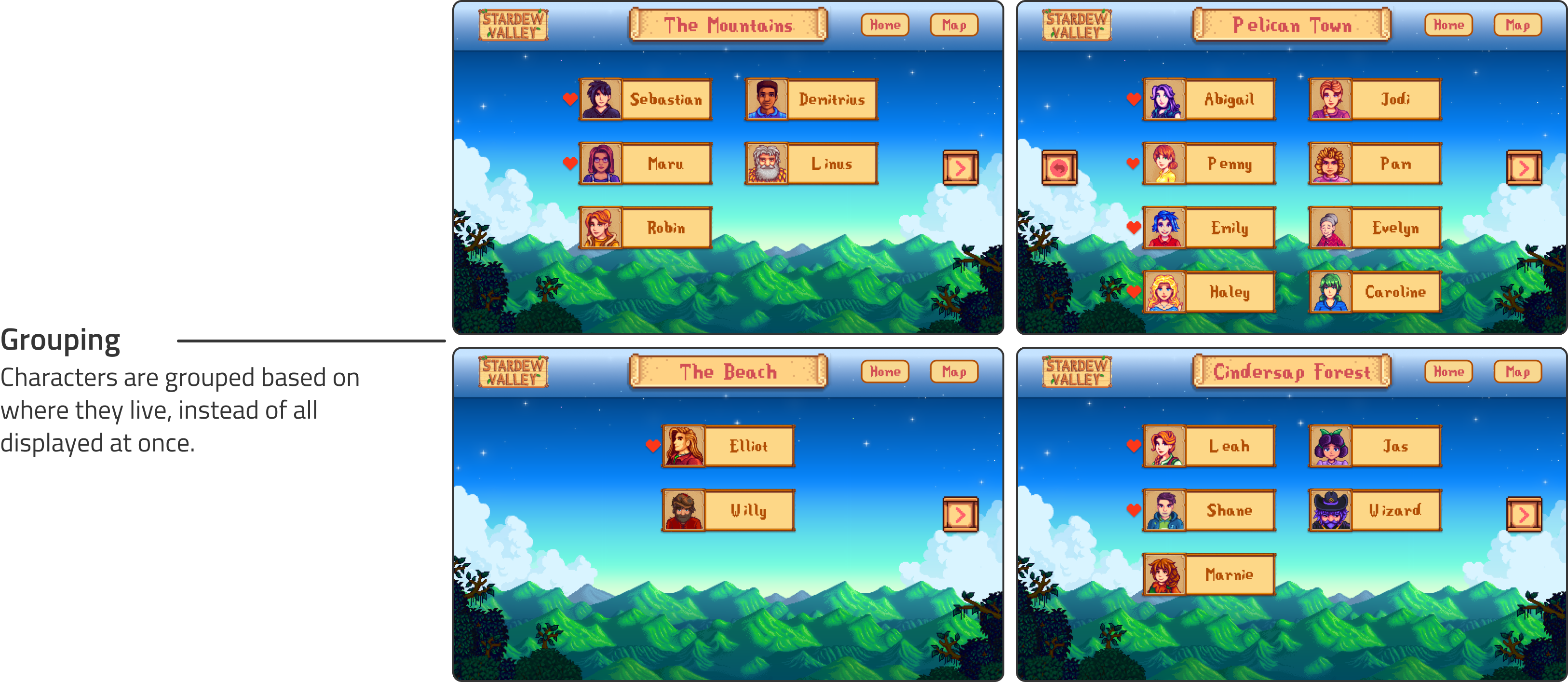
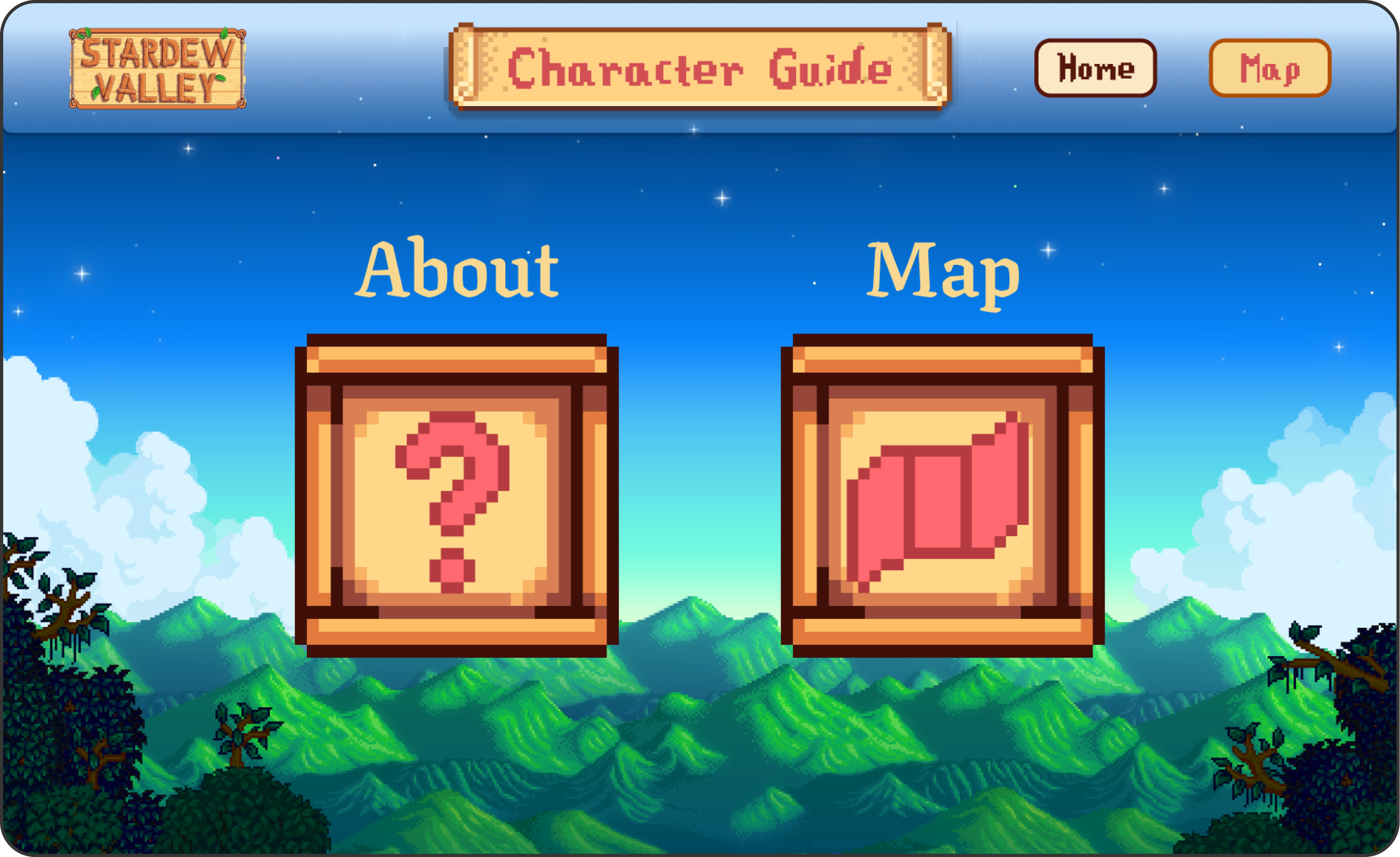
For my final project, I created a character guide for the popular video game, Stardew Valley. The character guide includes information on all the interactable characters in the game, and the characters are grouped based on where they live. Each character’s page has their name, portrait, birthday, description, sprite, family, friends, and loved gifts.
After the completion of this project, I’ve realized that there is much more to user interface design than just the aesthetics. Initially, I wanted this project to look like the game, but after some feedback I’ve realized that choosing a game-like aesthetics would make it confusing for the users. Through this project, I’ve learned that there are many ways designers can utilize how a user’s mind and memory works, and how to design to minimize the cognitive load for users. I will make sure to keep all of this knowledge in mind for any of my future projects.